
- Empty cart.
- Continue Shopping


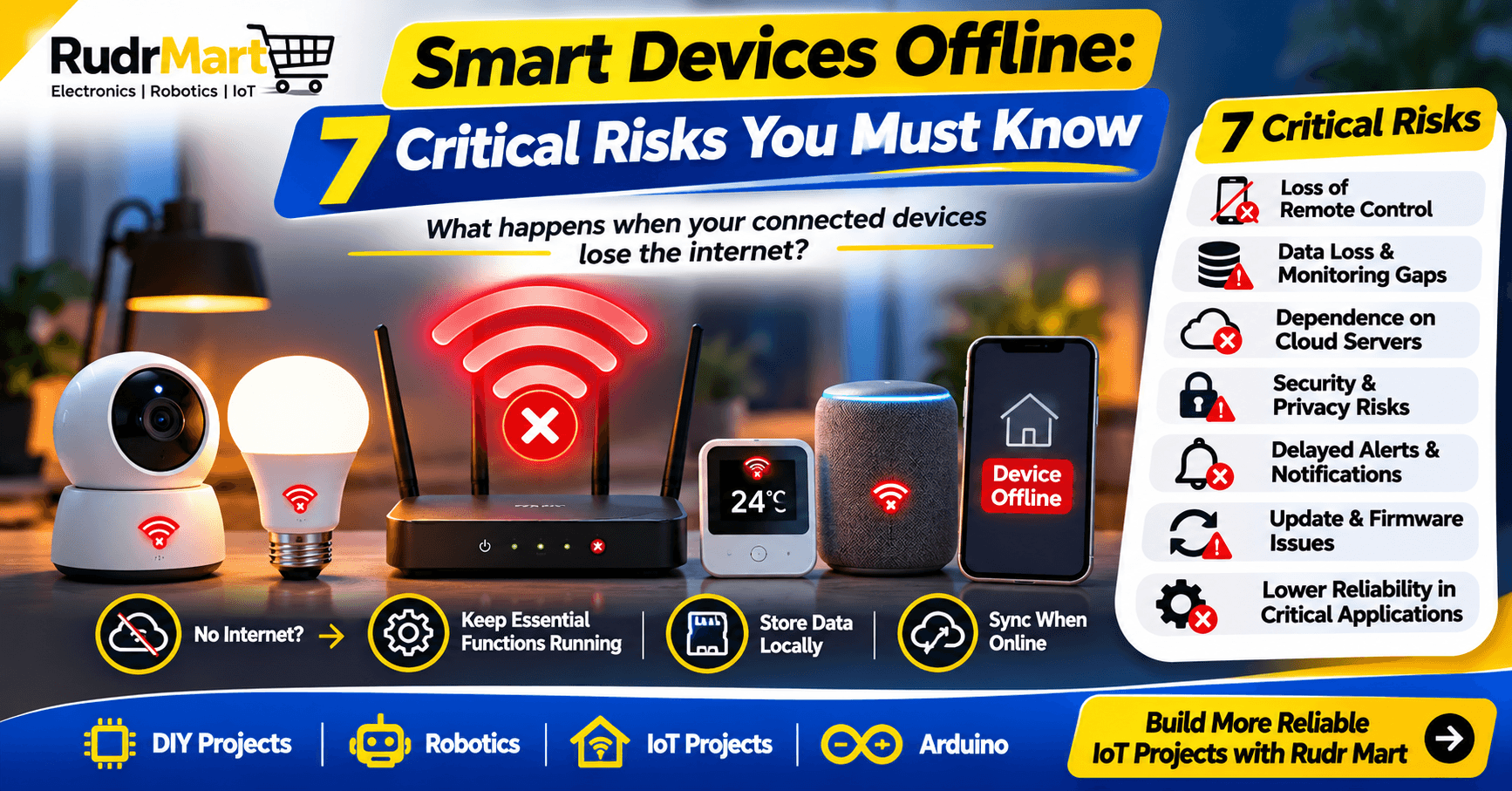
Smart devices offline is a situation that many people do not think about when buying or building connected technology. Smart lights, security cameras, sensors, home automation systems and industrial monitoring devices make everyday tasks easier. But what happens when the internet connection disappears or a cloud server becomes unavailable?
A device that works perfectly online may suddenly lose important features when communication fails. Some devices can continue performing basic functions, while others may become difficult or impossible to control remotely.
This raises an important question: Are our smart devices truly intelligent, or are they simply dependent on a permanent internet connection?
Understanding how smart devices offline behave is important for students, electronics enthusiasts, IoT developers, businesses and anyone interested in connected technology.
Table of Contents
- What Does Smart Devices Offline Mean?
- Why Do Smart Devices Depend on the Internet?
- What Happens When Smart Devices Go Offline?
- 7 Critical Risks of Smart Devices Offline
- Local Processing vs Cloud Processing
- How to Make Smart Devices Offline-Ready
- Real-World Examples
- The Future of Reliable Smart Technology
- Frequently Asked Questions
What Does Smart Devices Offline Mean?
The term smart devices offline describes a situation in which a connected device loses its internet or cloud connection and must operate with limited connectivity.
It does not necessarily mean that the device has stopped working completely. Its behaviour depends on its hardware, firmware and software architecture.
For example, a smart light connected to a local controller may continue responding to local commands even when the internet is unavailable. However, controlling it from another city through a mobile application may no longer be possible.
There are several situations that can cause a device to go offline:
- Internet service interruption
- Wi-Fi router failure
- Cloud server unavailability
- Power supply problems
- Network configuration errors
- Device software or hardware faults
The important distinction is between losing internet access and losing the ability to perform essential local functions.
Why Do Smart Devices Depend on the Internet?
Most modern connected devices use a combination of sensors, microcontrollers, communication networks, applications and cloud platforms.
Consider a temperature monitoring system:
- A sensor measures the surrounding temperature.
- A microcontroller processes the reading.
- The device sends the information through a network.
- A cloud platform stores and processes the data.
- The user views the reading through an online dashboard.
This architecture is useful for remote monitoring and data analysis. However, if every operation depends on a remote service, the system becomes vulnerable to connectivity failures.
A well-designed IoT system should use the internet to improve functionality, not necessarily to enable every essential operation.
What Happens When Smart Devices Go Offline?
When smart devices offline conditions occur, the result depends on how the system has been programmed.
Some devices continue operating with locally stored instructions. Others lose access to remote commands, cloud processing, notifications or historical information.
For example, a security camera may continue recording footage to a memory card during an internet outage, provided its power supply, storage and recording functions remain operational. However, live remote viewing and cloud notifications may stop.
Similarly, an agriculture monitoring system may continue collecting sensor readings locally and upload them when the connection returns.
This is why developers should test offline behaviour before deploying connected devices in real-world environments.
7 Critical Risks of Smart Devices Offline
1. Loss of Remote Control
One of the most noticeable problems is losing the ability to control a device remotely.
Users may no longer be able to operate smart switches, adjust connected appliances or access a remote monitoring dashboard.
A local controller, physical switch or suitable manual control can reduce this dependency.
2. Missing Data and Monitoring Gaps
IoT sensors regularly collect information such as temperature, humidity, pressure and motion.
If the internet connection fails and the device has no local storage, important readings may never reach the monitoring platform.
For agriculture, environmental monitoring and industrial applications, missing information can affect decisions.
Local data logging and automatic synchronisation can help prevent this problem.
3. Dependence on Cloud Servers
Some connected devices rely on cloud platforms for processing commands, managing accounts and controlling automation.
If the cloud service becomes unavailable, certain features may stop working even when the device itself is powered on.
Local processing can reduce this dependency for functions that do not require remote services.
4. Security and Privacy Concerns
Connected devices exchange information across networks and online platforms.
Poorly designed communication, weak authentication and insecure software can expose devices to security risks.
Offline operation does not automatically make a device secure. Developers must still consider authentication, encryption, access control and secure software updates.
The NIST IoT Cybersecurity Capabilities Catalog explains important security capabilities for connected devices.
5. Delayed Alerts and Notifications
Many monitoring systems depend on internet connectivity to send alerts to smartphones and online dashboards.
During an outage, users may not receive immediate notifications about unusual activity.
For important applications, developers should consider local alarms, warning indicators or alternative communication methods.
6. Problems During Automatic Updates
Smart devices regularly receive firmware and software updates.
An interrupted update can create operational problems if the update process is not designed to handle power or communication failures safely.
Reliable update mechanisms should verify software integrity and provide a safe recovery process.
7. Reduced Reliability in Critical Applications
Industrial monitoring, security, agriculture and automation systems may require continuous operation.
If essential functions stop whenever internet access fails, the system may not be suitable for its intended application.
Designers should identify which functions must continue locally and which can safely wait until connectivity returns.
Local Processing vs Cloud Processing
One effective way to improve the reliability of smart devices offline is to balance local processing with cloud-based services.
| Feature | Local Processing | Cloud Processing |
|---|---|---|
| Internet requirement | Not always required | Usually required |
| Response time | Can be faster locally | Depends on network |
| Offline operation | Possible if designed for it | Limited during outages |
| Data storage | Device or local gateway | Remote servers |
| Remote access | Requires suitable connectivity | Usually supported |
| Processing resources | Limited by local hardware | Can use scalable infrastructure |
Neither approach is suitable for every situation.
Local processing is useful for essential control functions, while cloud services are valuable for remote access, centralised monitoring, backups and large-scale data analysis.
A combination of both can provide a more flexible and reliable system.
How to Make Smart Devices Offline-Ready
Developers should plan for smart devices offline operation from the beginning of a project rather than treating it as an afterthought.
Here are seven practical design principles:
1. Use Local Control
Essential operations should continue through a local controller or gateway wherever technically and safely possible.
2. Add Local Data Storage
Store important sensor readings and events temporarily when internet connectivity is unavailable.
3. Synchronise Data Automatically
When connectivity returns, transmit stored information to the cloud while preventing duplicate or corrupted records.
4. Provide Manual Controls
Users should have a suitable way to operate essential functions without depending entirely on a mobile application.
5. Monitor Network Status
Devices should identify connection failures and communicate their offline status through suitable indicators or logs.
6. Design Safe Recovery
After a power or network interruption, the system should return to a defined and safe operating state.
7. Protect Device Security
Use authentication, secure communication, controlled access and verified firmware updates.
AWS also recommends local storage for offline operations, automatic reconnection, data synchronisation and appropriate recovery mechanisms in its IoT Lens Failure Management guidance.
Real-World Examples of Smart Devices Offline
Smart Homes
A smart home lighting system can use a local controller to operate switches even when the internet connection is unavailable. Remote access and cloud integrations may become temporarily unavailable, but basic local control can continue.
Agriculture and Environmental Monitoring
A sensor system can collect temperature, humidity and soil-moisture readings and store them locally. Once connectivity returns, the stored readings can be uploaded for analysis.
Security and Surveillance
A camera system with local recording can preserve footage during an internet outage. Remote viewing and cloud backup may be interrupted, but local recording can continue if power, storage and device functionality remain available.
Industrial Monitoring
An industrial monitoring system can process essential sensor information locally and send reports to a central platform when connectivity is available. Critical control and safety functions must always follow the requirements of the specific application.
The Future of Smart Devices Offline and Reliable IoT Technology
The future of IoT is not simply about connecting more devices to the internet. It is also about building systems that remain useful when connectivity is limited or unavailable.
Technologies such as edge computing, local gateways, intelligent microcontrollers and improved data synchronisation are helping developers create more resilient systems.
Development platforms such as ESP32 are useful for learning how sensors, local processing and wireless communication work together.
You can also explore our Smart Home Automation System Using ESP32 article to understand how a microcontroller can control connected appliances.
For students and makers, this is an opportunity to move beyond basic connectivity experiments and start designing systems that consider real-world operating conditions.
Frequently Asked Questions About Smart Devices Offline
1. Can smart devices work without the internet?
Yes. Some smart devices can continue performing local functions without internet access. Their capabilities depend on their hardware, firmware and system design.
2. What happens to IoT devices when Wi-Fi stops working?
Devices may lose remote access, cloud communication and online notifications. However, locally programmed functions may continue operating if the system supports offline operation.
3. What is offline mode in IoT?
Offline mode allows an IoT device or local system to perform selected functions without an active internet connection. It may also include local data storage and later synchronisation.
4. What is the difference between edge computing and cloud computing?
Edge computing processes data near the device or local network, while cloud computing processes data on remote infrastructure. Both approaches can work together.
5. How can IoT devices prevent data loss during internet outages?
Devices can use local storage, message queues, timestamps and automatic synchronisation to preserve important information until connectivity is restored.
6. Are smart devices offline automatically secure?
No. Offline operation may reduce some network dependencies, but device security still requires proper authentication, access control, secure firmware and safe configuration.
Final Thoughts
Smart technology should not be judged only by how well it works when everything is connected. Its reliability also depends on how it behaves when networks fail, cloud services become unavailable or communication is interrupted.
The most dependable IoT systems are designed with these situations in mind. By combining local processing, suitable data storage, manual controls, secure recovery and cloud connectivity, developers can build smarter and more resilient solutions.
For students, hobbyists and electronics developers, the lesson is simple: build connected devices that can think locally, operate safely and recover intelligently.
At Rudr Mart, we believe understanding these practical challenges is an important part of learning electronics, robotics and the Internet of Things.
Cloud ComputingEdge ComputingElectronics ProjectsInternet ConnectivityIoTIoT SecurityOffline TechnologySmart DevicesSmart Home Automation