- Empty cart.
- Continue Shopping
What is Raspberry Pi? A Beginner’s Guide
- Posted on
 Deepak Joshi
- 0
- Categories: Rudr Mart,Edge Computing,Electronics & Embedded Systems,Electronics Projects,Embedded Systems,GPIO Pins,Home Automation,Industrial Automation,IoT Development,Python Programming,Raspberry Pi,Raspberry Pi for Beginners,Raspberry Pi Guide,Raspberry Pi OS,Robotics,Single Board Computer

Introduction
What is Raspberry Pi? This is one of the most common questions asked by students, hobbyists, and electronics enthusiasts. In this beginner’s guide, you will learn what Raspberry Pi is, how it works, its key features, applications, and why it has become one of the most popular single-board computers in the world.
Whether you are a student, electronics enthusiast, programmer, or engineer, understanding what Raspberry Pi is can open the door to countless learning and innovation opportunities. We will explore its features, applications, and why it has become a favourite platform for makers worldwide.
What is Raspberry Pi?
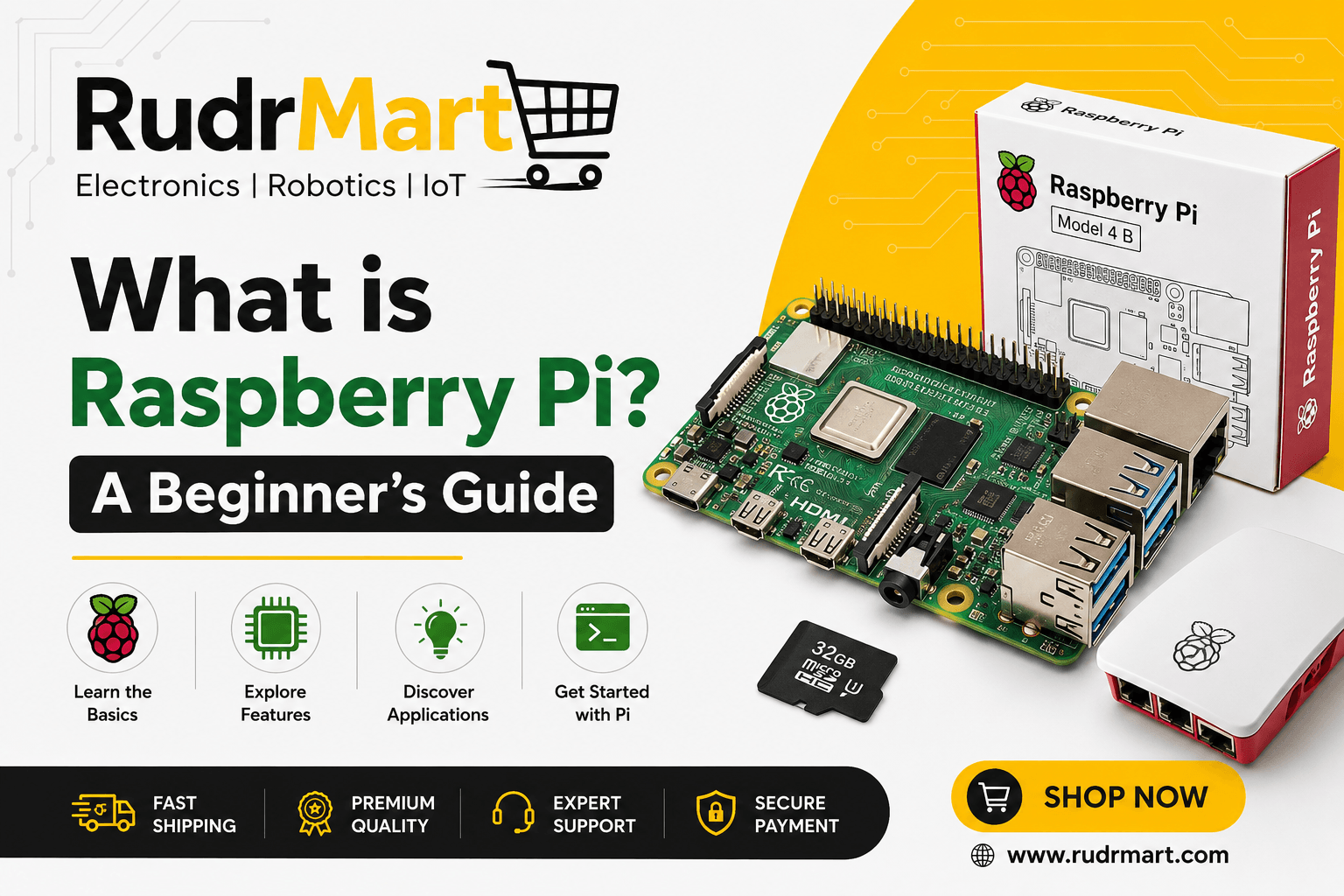
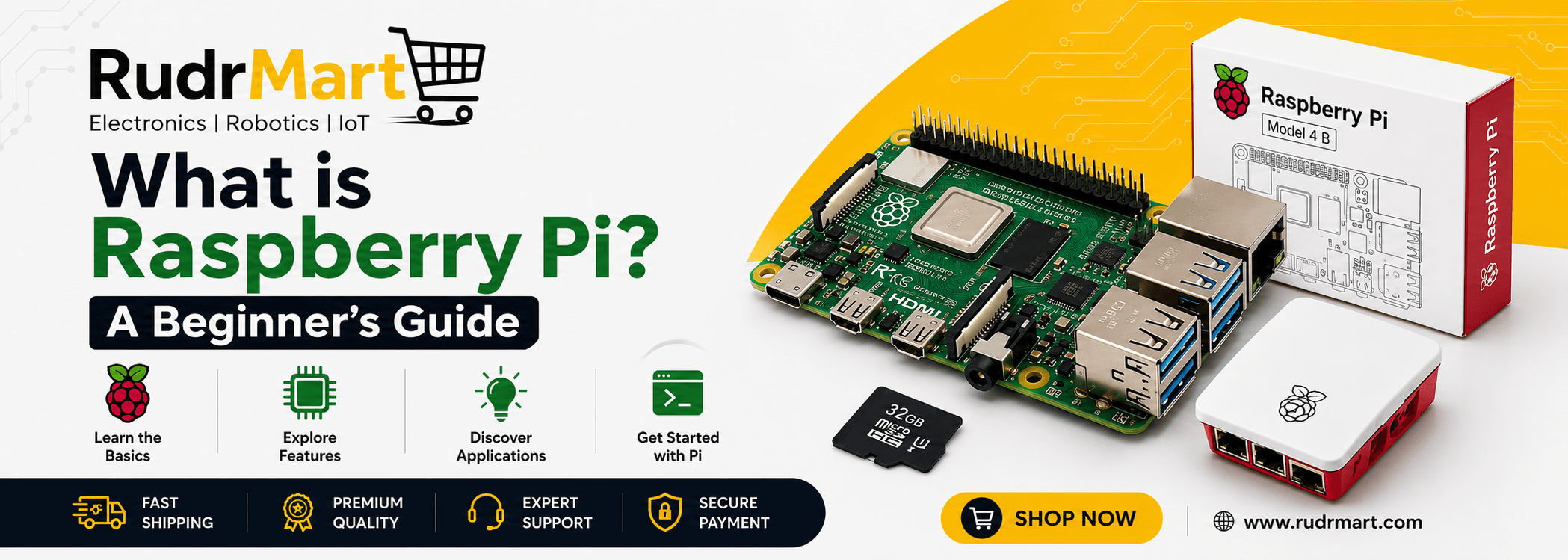
Raspberry Pi is a low-cost, credit-card-sized single-board computer developed by the Raspberry Pi Foundation. It was originally designed to promote computer science education and make computing accessible to everyone.
Unlike a traditional computer that requires multiple separate components, Raspberry Pi integrates essential hardware such as the processor, memory, USB ports, networking, and display interfaces onto a single circuit board.
By connecting a monitor, keyboard, mouse, and power supply, users can transform a Raspberry Pi into a fully functional computer capable of browsing the internet, running applications, coding programs, and controlling electronic devices.
What is Raspberry Pi and Why Is It So Popular?
Understanding what Raspberry Pi is becomes easier when exploring its powerful features and capabilities. Raspberry Pi stands out because it offers:
- Affordable computing power
- Easy access to programming tools
- Support for electronics and hardware projects
- A large global community
- Extensive learning resources
- Low power consumption
- Compatibility with multiple operating systems
As a result, beginners can start learning technology concepts without investing in expensive hardware.
History of Raspberry Pi
The Raspberry Pi project began in 2006 and was officially launched in 2012 by the Raspberry Pi Foundation in the United Kingdom. The primary goal was to encourage young people to learn programming and computer science.
Since its launch, Raspberry Pi has grown into a global phenomenon, with millions of units sold worldwide. Over the years, multiple versions have been introduced, offering improved performance, enhanced connectivity, and expanded capabilities while maintaining affordability.
Key Features of Raspberry Pi
Raspberry Pi offers several features that make it popular among beginners and professionals alike.
1. Compact Size
The board is extremely small and lightweight, making it suitable for portable and embedded applications.
2. Affordable Cost
Compared to traditional computers, Raspberry Pi is highly affordable, making technology accessible to students and hobbyists.
3. GPIO Pins
One of the most distinctive features of Raspberry Pi is its General Purpose Input/Output (GPIO) pins. These pins allow users to connect sensors, LEDs, motors, and other electronic components directly to the board.
4. Multiple Connectivity Options
Modern Raspberry Pi models include:
- USB ports
- HDMI output
- Wi-Fi connectivity
- Bluetooth support
- Ethernet ports
- Camera interfaces
5. Linux-Based Operating System
Raspberry Pi typically runs Raspberry Pi OS, a Linux-based operating system designed specifically for the platform. Additionally, it supports various other operating systems.
6. Energy Efficient
Raspberry Pi consumes significantly less power than traditional desktop computers, making it ideal for continuous operation.
Main Components of a Raspberry Pi Board
Understanding the major components helps beginners get familiar with what Raspberry Pi is made of.
Processor (CPU)
The CPU performs calculations and executes instructions, acting as the brain of the system.
RAM
Random Access Memory (RAM) stores temporary data required for running applications.
GPIO Header
The GPIO header enables interaction with external hardware and electronic devices.
USB Ports
USB ports allow connection of peripherals such as keyboards, mice, flash drives, and cameras.
HDMI Port
The HDMI port connects Raspberry Pi to monitors or televisions.
Power Input
A USB-C or micro-USB port supplies power to the board, depending on the model.
Storage
Instead of a traditional hard drive, Raspberry Pi uses a microSD card to store the operating system and files.
Popular Raspberry Pi Models
Several Raspberry Pi models are available to suit different requirements. Understanding which model suits your needs is key to getting started.
Raspberry Pi 5
The latest flagship model offering significantly improved processing power, graphics performance, and connectivity.
Raspberry Pi 4 Model B
A widely used version suitable for education, programming, multimedia, and industrial projects.
Raspberry Pi Zero Series
Ultra-compact and low-cost models ideal for embedded systems and IoT applications.
Raspberry Pi 400
A complete computer built into a keyboard, designed primarily for educational purposes.
How Does Raspberry Pi Work?
Raspberry Pi works much like a traditional computer. First, an operating system is installed on a microSD card. Once powered on, the Raspberry Pi loads the operating system into memory and becomes ready for use.
Users can then:
- Browse the internet
- Write and run programs
- Create automation projects
- Connect sensors and actuators
- Build robotics applications
- Develop IoT solutions
Programming languages such as Python, C++, Java, and Scratch can be used to develop applications and control hardware connected to the GPIO pins.
Industrial Automation
Industries utilize Raspberry Pi for:
- Data logging
- Monitoring systems
- Machine control
- Remote diagnostics
DIY Electronics Projects
Makers frequently use Raspberry Pi for projects such as:
- Weather stations
- Smart mirrors
- Surveillance systems
- Digital signage
- Environmental monitoring
What is Raspberry Pi Used For? — Applications
Once you understand what Raspberry Pi is, you can begin exploring its wide range of applications, from home automation to industrial projects.
Easy to Learn
Beginners can quickly start programming and experimenting with electronics.
Large Community Support
A massive global community provides tutorials, documentation, and project ideas.
Flexible and Versatile
Raspberry Pi supports a broad range of applications, from simple coding exercises to advanced industrial systems.
Cost-Effective
Its affordability makes experimentation and learning accessible without significant investment.
Extensive Software Support
Thousands of software packages and development tools are available for Raspberry Pi.
Limitations of Raspberry Pi
Although powerful, Raspberry Pi has some limitations.
Limited Processing Power
While capable, it cannot match the performance of high-end desktop computers or servers.
Storage Constraints
MicroSD cards are generally slower and less durable than SSDs.
Not Designed for Heavy Gaming
Resource-intensive games and graphics applications may not perform optimally.
Peripheral Requirements
Additional accessories such as a monitor, keyboard, mouse, and power supply may be required for setup.
Getting Started with Raspberry Pi
If you are new to Raspberry Pi, follow these basic steps:
- Choose a Raspberry Pi model.
- Purchase a compatible power supply.
- Obtain a microSD card.
- Install Raspberry Pi OS.
- Connect a monitor, keyboard, and mouse.
- Power on the device.
- Complete the initial setup.
- Begin exploring programming and electronics projects.
Starting with simple projects such as blinking an LED or reading sensor data can help build confidence and practical skills.
Recommended Raspberry Pi Products :
Why Raspberry Pi is Important for Future Technologies
As technologies such as IoT, artificial intelligence, robotics, and edge computing continue to evolve, Raspberry Pi remains a valuable development platform.
Its combination of affordability, flexibility, and ease of use allows students, researchers, startups, and industries to prototype and deploy innovative solutions quickly. Furthermore, the growing ecosystem of hardware accessories and software tools ensures that Raspberry Pi will continue to play an important role in technological innovation.
Conclusion
Now that you understand what Raspberry Pi is, you can confidently begin your journey into programming, electronics, robotics, and IoT development.
Raspberry Pi has transformed the way people learn computing and electronics by providing an affordable, compact, and versatile computing platform. Whether you want to learn programming, build IoT devices, create robotics projects, or develop industrial automation solutions, Raspberry Pi offers an excellent starting point.
For beginners, Raspberry Pi provides hands-on experience with both software and hardware. For professionals, it serves as a powerful prototyping and development platform. As a result, Raspberry Pi continues to inspire innovation and creativity across education, research, and industry worldwide.
FAQs
1. What is Raspberry Pi used for?
Raspberry Pi is used for programming, electronics projects, IoT development, robotics, home automation, media centers, and educational learning.
2. Is Raspberry Pi a computer?
Yes. Raspberry Pi is a complete single-board computer that can perform many tasks similar to a traditional desktop computer.
3. Which programming language is best for Raspberry Pi?
Python is the most popular programming language for Raspberry Pi because of its simplicity and extensive library support.
4. Does Raspberry Pi need an operating system?
Yes. Raspberry Pi requires an operating system, typically Raspberry Pi OS, to function.
5. Can Raspberry Pi connect to sensors and electronic devices?
Yes. Through its GPIO pins, Raspberry Pi can interface with sensors, motors, relays, displays, and many other electronic components.
6. Is Raspberry Pi suitable for beginners?
Absolutely. Raspberry Pi was specifically designed to help beginners learn programming, computing, and electronics.
7. What is the difference between Raspberry Pi and Arduino?
Raspberry Pi is a full computer capable of running an operating system, while Arduino is a microcontroller primarily designed for controlling hardware and embedded systems.